You can rotate design element to change its angle and orientation.
Step-by-step instructions
- Click on the item you wish to rotate.
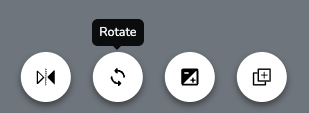
- A toolbar appears at the bottom of the screen. Click the rotate icon (two arrows going in a circle).
- A slider appears at the bottom of the screen. Click and drag the dot to rotate your item, or click on any point along the slider line. The degree of rotation displays above the slider on the left.
- When you're finished rotating, click on any blank area of the canvas or press the Esc key on your keyboard to deselect the item.
Tips
- Rotation is useful for creating natural variation in your design. Try rotating duplicate plants slightly so they don't all face the same direction.
- To reset rotation and other image adjustments, click "Reset All" in the bottom left corner of the adjustment toolbar.
Was this article helpful?
That’s Great!
Thank you for your feedback
Sorry! We couldn't be helpful
Thank you for your feedback
Feedback sent
We appreciate your effort and will try to fix the article