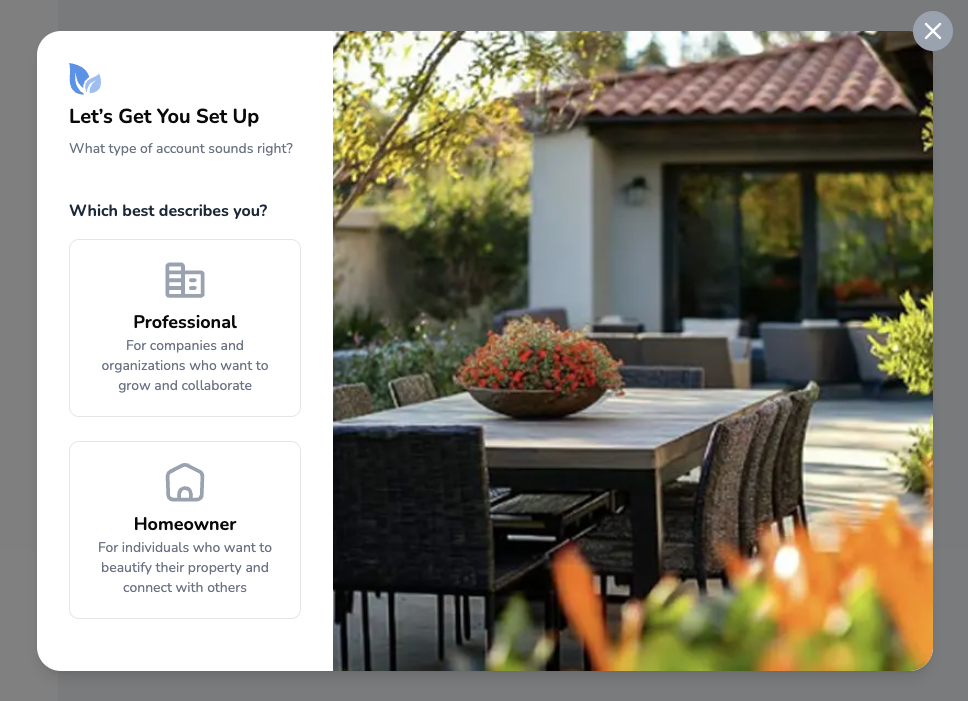
When you create your SimplyScapes account, you'll choose between two workspace types. While they share many of the same core features today, they're designed with different users in mind—and they'll become more distinct over time as we add features tailored to each audience.
Homeowner Workspaces (Personal)
These are for you if you're working on your own property—whether that's your home, a rental property, or any landscape project you're tackling yourself.
What you get:
- Visual Designer to create beautiful, photo-realistic designs
- Export your designs as PDFs with complete plant lists
- Optional property address entry for personalized plant recommendations
Default workspace name: "Personal Workspace" (you can rename it to whatever you'd like)
Professional Workspaces
Choose this option if you're a landscape professional, designer, or business owner serving clients. These workspaces are designed to represent your company or organization.
What you get:
Everything from Homeowner workspaces, plus:
- Link your Google Business Profile
- Takeoffs (Beta) for accurate measurements and estimates
- Access to professional tools as they're released
Important: Each workspace has its own plan and billing information. Adding a subscription to a workspace do not affect the subscription status or available features for the other workspaces a user may be a member of.
Was this article helpful?
That’s Great!
Thank you for your feedback
Sorry! We couldn't be helpful
Thank you for your feedback
Feedback sent
We appreciate your effort and will try to fix the article