Templates are professionally designed landscapes that you can use as a starting point or inspiration for your own design. They're perfect when you want guidance or need ideas.
To start from a template:
- From your dashboard, click "Create Design"
- Select the design area (Front Yard, Backyard, etc.)
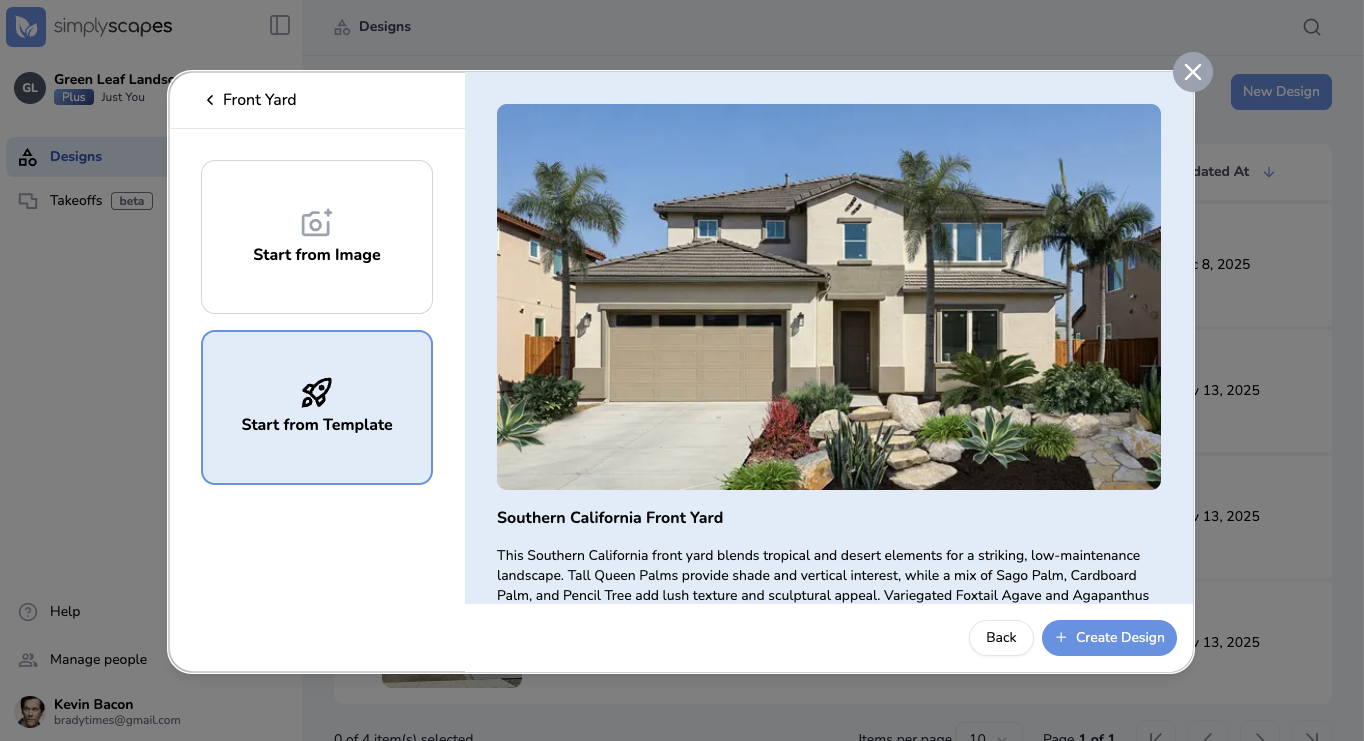
- Click "Start from Template"
- Browse the available templates - SimplyScapes offers curated design templates for different regions and styles
- Click a template to view its details and plant list
- Click "Create Design" to start with that template
The Visual Designer will open with the template design, which you can customize by:
- Swapping out plants
- Moving or resizing elements
- Adding or removing objects
- Changing the background image
Was this article helpful?
That’s Great!
Thank you for your feedback
Sorry! We couldn't be helpful
Thank you for your feedback
Feedback sent
We appreciate your effort and will try to fix the article