The Draw Tool makes it possible to add mulch, turf, rock, and other types of groundcovers to a SimplyScapes design. To add an area to the draw tool
- Select the "Draw Tool" in the bottom left corner of the screen.
- (optional) Choose the material you want to use for this space.
- Choose a draw mode.Drawing tool options include:
- Pen - Draw the shape point-by-point. Recommended for elaborate, detailed shapes.

- Rectangle - Draw the snap as a rectangle. Recommended for simple shapes with straight edges, or used in combination with the follow-up edits. See How do I edit the shape of a drawn space?
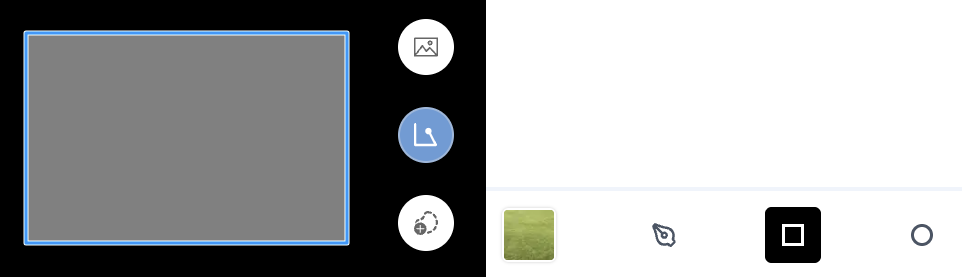
- Ellipse - Draw circular shapes.
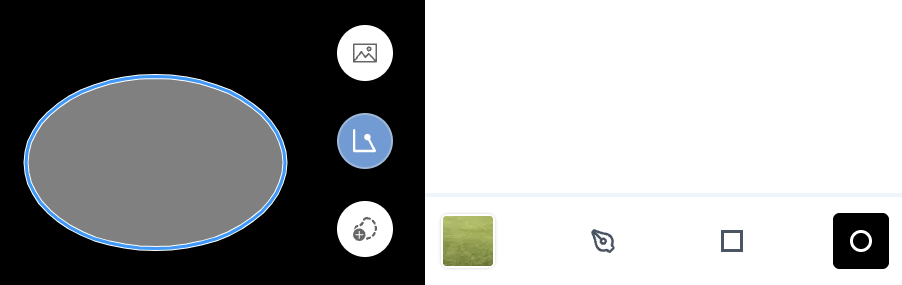
- Pen - Draw the shape point-by-point. Recommended for elaborate, detailed shapes.
- Click the canvas to begin drawing using the given tool.
Was this article helpful?
That’s Great!
Thank you for your feedback
Sorry! We couldn't be helpful
Thank you for your feedback
Feedback sent
We appreciate your effort and will try to fix the article