You can change the fill material of an existing shape at any time. For example, to can replace a shape filled with turf grass with mulch or another type of groundcover. To change the material do the following:
- Click on the shape to select it.
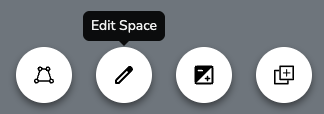
- Click the "Edit drawing" button that appears in the footer. After you do this, the original fill will be replaced with a dark, semi-transparent background. The border will also turn blue and each of the points will show up as dots.
- Locate the space details in the right panel
- Click the material picker to the left of the shape name
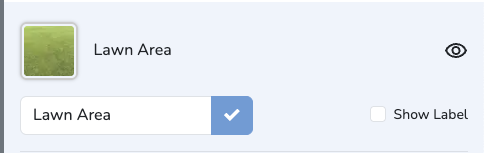
- Browse the Material Library and click a the desired material.
Changes are saved automatically. Undo edits by clicking the "Undo" button.
Was this article helpful?
That’s Great!
Thank you for your feedback
Sorry! We couldn't be helpful
Thank you for your feedback
Feedback sent
We appreciate your effort and will try to fix the article