How do I change the material of a planter bed or space?
Swap the fill material of a drawn planter bed or space, replacing turf grass with mulch, rock, or another groundcover from the Material Library in a few clicks.
You can change the fill material of an existing shape at any time. For example, you can replace a shape filled with turf grass with mulch or another type of groundcover.
Steps to change the material
-
Click on the shape to select it
-
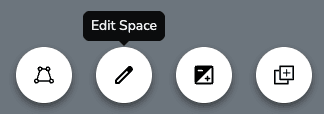
Select Edit Drawing in the selected-item toolbar. The original fill will be replaced with a dark, semi-transparent background. The border will also turn blue and each point will appear as a dot.
-
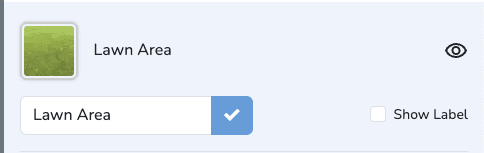
Locate the space details in the right panel
-
Click the material picker to the left of the shape name
-
Browse the Material Library and click the desired material
Changes are saved automatically. Undo edits by clicking the "Undo" button.
How do I edit the shape of a drawn space?
Reshape a drawn planter bed or groundcover area anytime by moving and adding points along its outline with the Draw Tool, with changes saved automatically.
Working with the Clone Tool
Use the Clone Tool to trace and copy any area of your photo into a new design element you can move, resize, and layer into your landscape design.