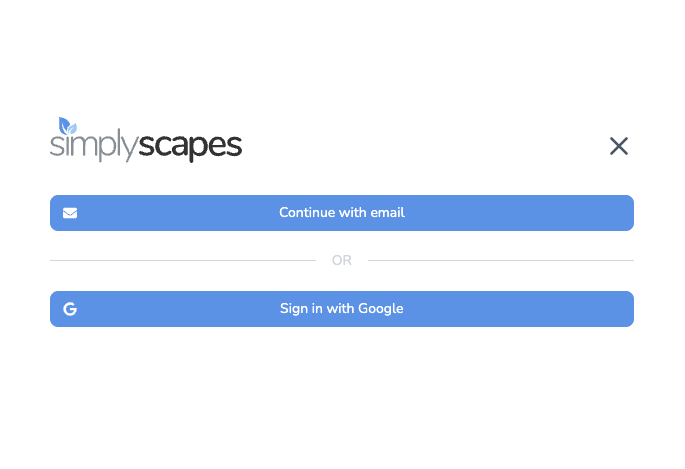
You can set up a SimplyScapes account in different ways. Continue with your email address or Google to sign up and start using SimplyScapes for free. If you already have an account, we’ll log you in.
Create an account with your email address
- Navigate to simplyscapes.com and select Sign Up
- On the signup page, choose to Continue with email
- Enter the email address you’d like to use in SimplyScapes, then select Next.
- Enter a password, then select Create account.
That's it. You'll be directed to set up your first workspace.
Forgot your password? You can reset it anytime.
Create an account with your Google
- Navigate to simplyscapes.com and select Sign Up
- On the signup page, choose to Continue with google
- Proceed with Google's authentication process
Log in to your SimplyScapes account
You can log in using the same methods above:
- Log in with your email address
- Log in using Google
Was this article helpful?
That’s Great!
Thank you for your feedback
Sorry! We couldn't be helpful
Thank you for your feedback
Feedback sent
We appreciate your effort and will try to fix the article