Updating your account information in SimplyScapes helps keep your profile organized and current.
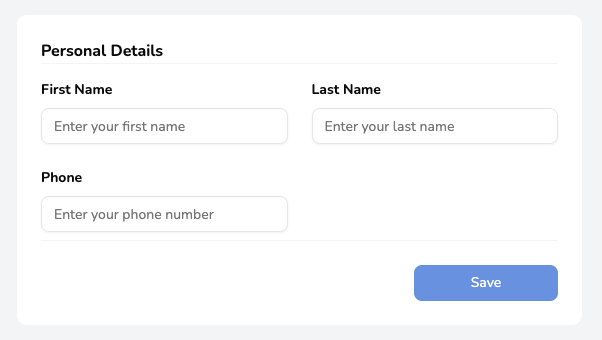
To update your personal details:
Generate an audio recording for the following text:
Updating your account information in SimplyScapes helps keep your workspace organized and current. Click your profile icon, select "My Settings," update your details, and click "Save." Your changes take effect immediately.
- Click your profile icon in the bottom left corner of the dashboard
- Update your details
- Click "Save" to confirm your changes
Your updated information will be reflected immediately across your account.
Was this article helpful?
That’s Great!
Thank you for your feedback
Sorry! We couldn't be helpful
Thank you for your feedback
Feedback sent
We appreciate your effort and will try to fix the article